
Overview
Sort, favorite, and highlight aging deals so you always see what needs action.
1. Sort by newest/oldest
1) Click the arrow in a column header.
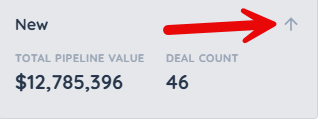
You’ll see deals re-ordered within that column.
Sorting surfaces what you want to act on.
2. Pin priority with favorites
1) Click the star on a deal card.
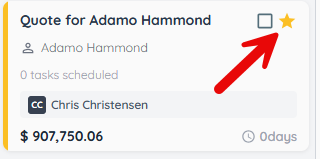
You’ll see favorites stay at the top of their column.
Favorites keep critical deals visible.
3. Configure aging alerts
1) In Settings > Deals, set Aging Alert.
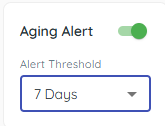
You’ll see deals highlighted with an orange stripe after inactivity beyond the threshold.
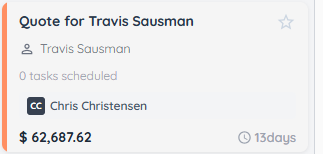
Aging helps you rescue stalling opportunities.
> Tip: Move a deal to any stage to reset its red aging counter; total days per stage are still tracked on the deal.
Related KB articles
– Configure Deals pipelines and settings
– Search and filter the deals pipeline