
Overview
Find deals fast by assignee, source, status, and more.
1. Search by name or assignee
1) Use the top search bar (deal title, customer, or user).
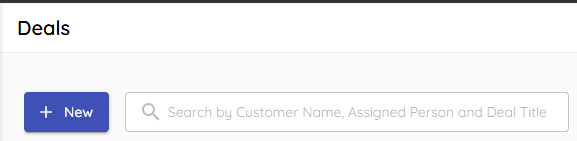
You’ll see only matching deal cards.
Search is fastest for one-off lookups.
2. Filter by assignment
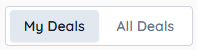
1) Use the My Deals/All Deals buttons to easily switch between your deals and all deals.
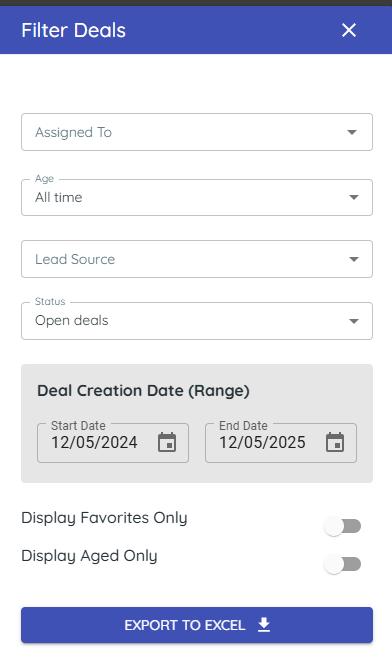
2) Open Filters and select users under Assignment.
You’ll see only deals for the chosen users.
This focuses your team view.
3. Filter by status and dates
1) Choose Open, Won, Lost, or Archived and a date range.
You’ll see the selected population.
This helps you review outcomes or older periods.
4. Filter by lead source and favorites
1) Select Lead Source or Favorites.
You’ll see deals that match.
This highlights your target slice.
> Tip: Filters are persistent until you clear them; use search for a temporary view.
Related KB articles
– Organize your deals pipeline