
Overview
Enhance your message with a short link, personalization, emojis, and quick message templates.
1. Insert emojis
1) Click the emoji button.

You’ll see an emoji picker.
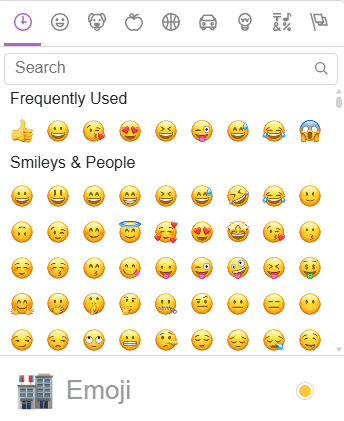
Emojis can increase engagement when used sparingly.
2. Shorten a URL
1) Click the URL shortener and paste your website link.

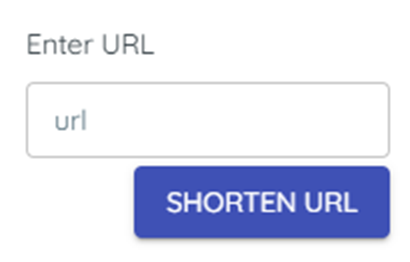
You’ll see a shortened web link inserted.

Short links save characters.
3. Personalize with merge tags
1) Click merge tags and choose Customer name.

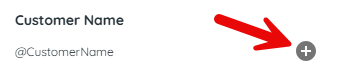
You’ll see a placeholder that resolves to each customer’s name.
Personalization can lift response rates.
4. Start from a quick message template
1) Click Quick messages and select a template to insert.

You’ll see the template copied into Body.
Templates help you move faster with consistent tone.
Tips to Work Faster
– Keep one or two standard templates for broadcasts and personalize key lines.
Related KB articles
– Insert Google and Facebook review links into a broadcast
– Write and test your SMS/MMS Broadcast