
Overview
Find any message fast and start a new thread from anywhere.
1. Search across messages
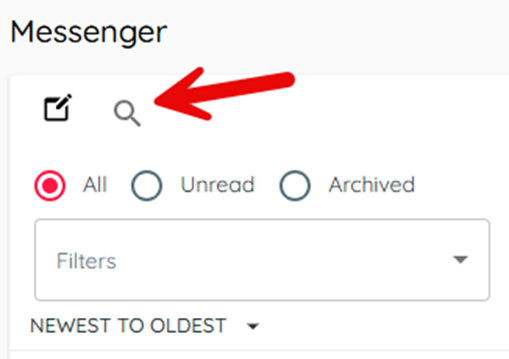
1) Click the magnifying glass and type a Search Term (name, number, or keyword).
You’ll see current and archived matches.
Keyword search helps find specific cases quickly.
2. Start a new conversation
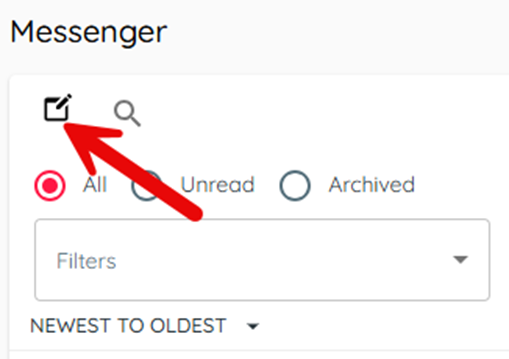
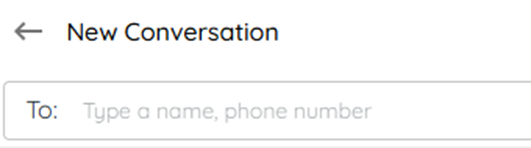
1) Click the notepad icon and select customer by name or mobile number.
You’ll see department choices and any in-progress threads.
Starting fresh keeps parallel department conversations separate when needed.
Related KB articles