
Overview
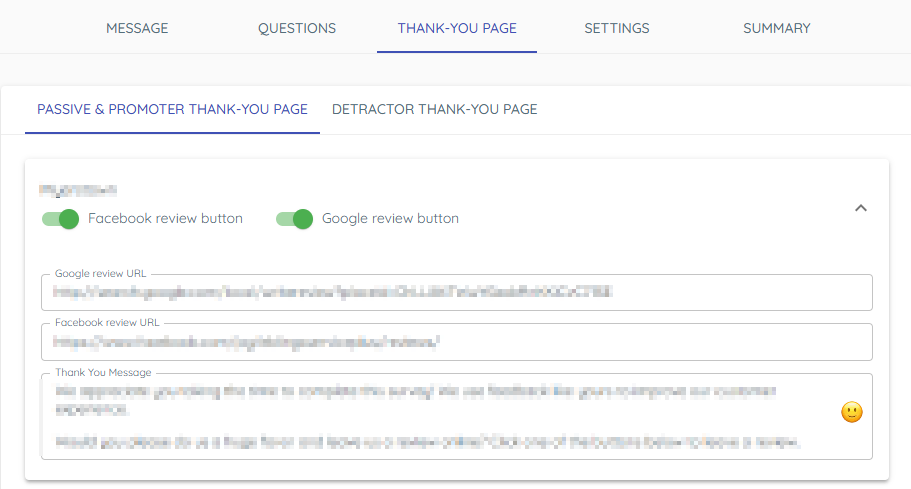
There are two thank you pages. Passives and promoters see links to your Google and/or Facebook pages. Detractors do not.
1. Thank you page for passives and promoters
1) Open thank you page for passives and promoters from inside a Survey record.
You’ll see text that thanks customers and links to Google and/or Facebook.
Send satisfied customers to post online.
2. Thank you page for detractors
1) Open thank you page for detractors.
You’ll see a short thank-you without public links.
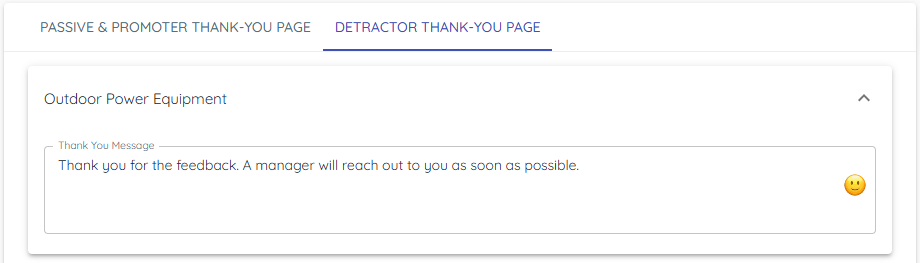
This keeps negative experiences private for your team to address.
3. Multi‑location review links
1) Map each Location to the correct Google review URL and Facebook review URL.
You’ll see per-location link settings.
This sends customers to the right store pages.
> Tip: Test your links before you turn on the survey.
Tips to Work Faster
– Keep language consistent across locations; customize only links.
Related KB articles
– Write the survey message and questions
– Send a broadcast loyalty survey