
Overview
On mobile, you can search inventory and see a customer’s orders. You also get task notifications.
1. Open Inventory on mobile
1) Tap the hamburger menu and choose Inventory.

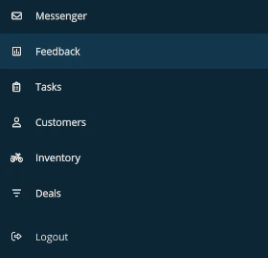
You’ll see Wholegoods and Parts with filters and search.
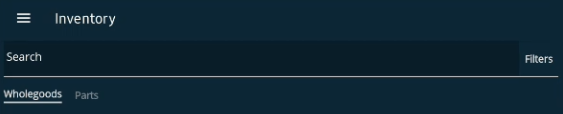
This mirrors the desktop experience.
2. Find customer orders from customer details
1) Open a customer and tap Orders.
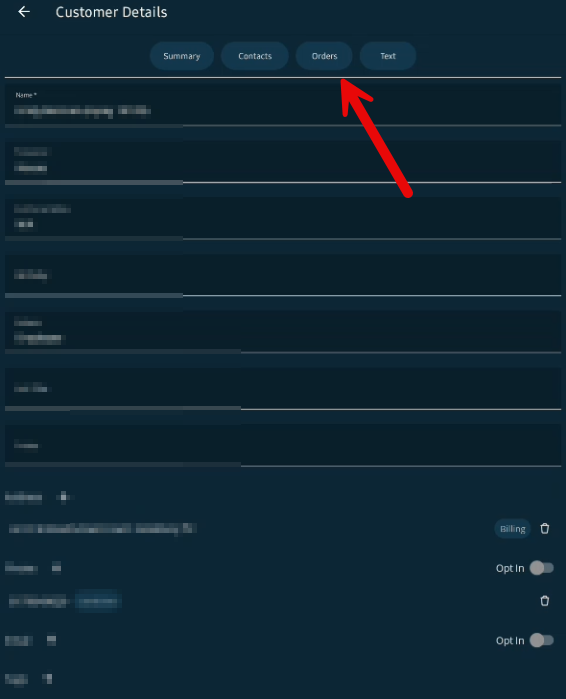
You’ll see the customer’s order list.
3. Get task notifications
1) Allow notifications in the mobile app.
You’ll see alerts when tasks are assigned to you by another user or process.
You can review and complete tasks from your phone.
Tips to Work Faster
– Use mobile to check stock while you’re on the sales floor.
Related KB articles
–Look up inventory (wholegoods and parts)