
Overview
Browse orders like a report with powerful filters and exporting.
1. Open Orders
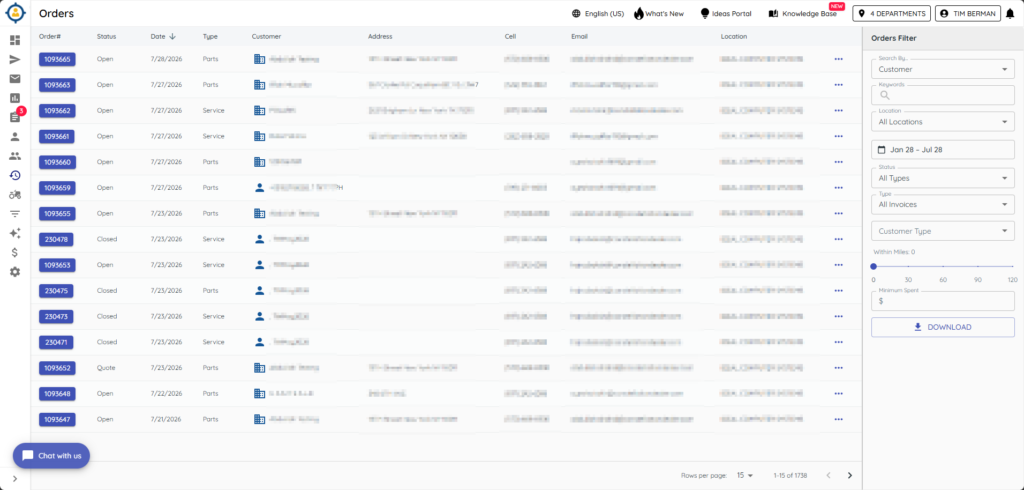
1) Click Orders on the left.
You’ll see open/closed work orders, whole goods, and parts.
This view is read‑only.
2. Filter and search
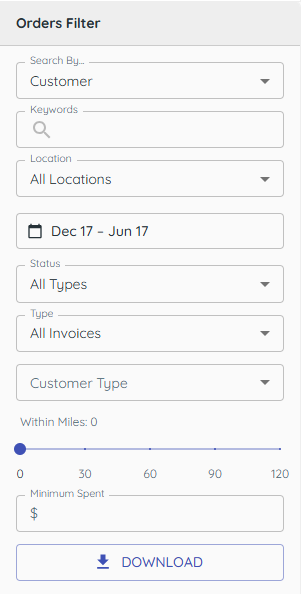
1) Click the filter funnel and set date range or invoice type; search (part/model/serial).
You’ll see the list narrowed to what you need.
Filters help you evaluate specific activity.
3. Preview and Text Orders
1) From the Orders Screen, or the Customer Details Orders tab, select the ellipsis (three dots) icon.
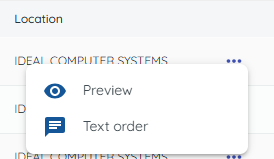
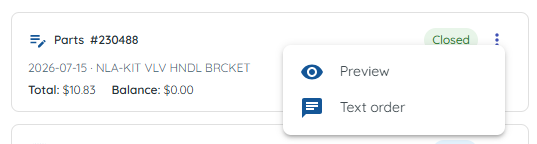
2) Select Preview to view the order on screen
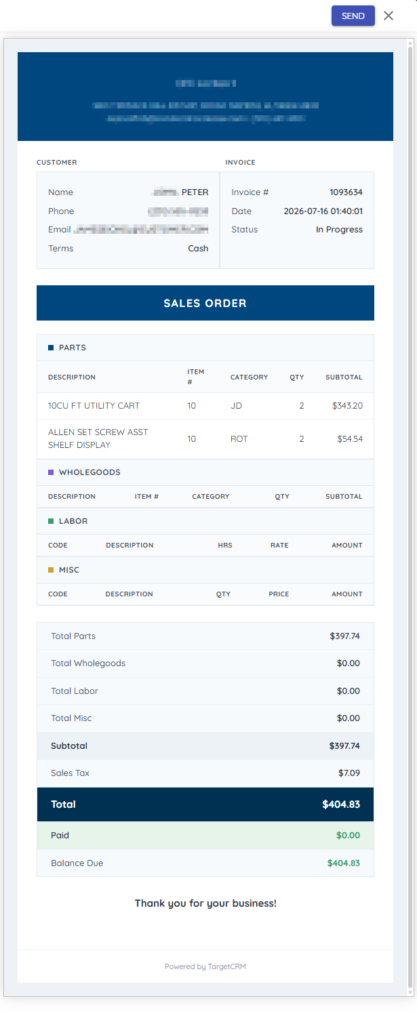
You can choose Send to text the order from the preview window.
3) Select Text Order to text a copy of the order directly to the customer.
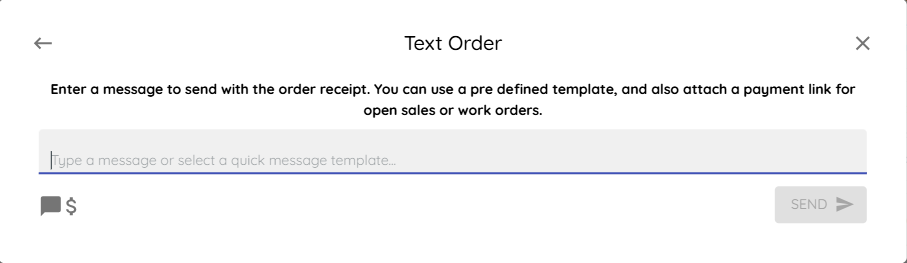
You will have the opportunity to choose from any of the related customer’s cell phone numbers.
If Text-to-Pay is enabled, you can text a request for payment along with the order.
4. Export to CSV
1) Click Download.
You’ll see a CSV saved to your computer.
Use it for quick analysis or sharing.

Related KB articles